
Pergola Configurator in Feet, Inches and USD: A Worked U.S. Example
See how a U.S. pergola configurator should preserve feet and inches, apply model-specific rules and produce a traceable USD price from one saved design.
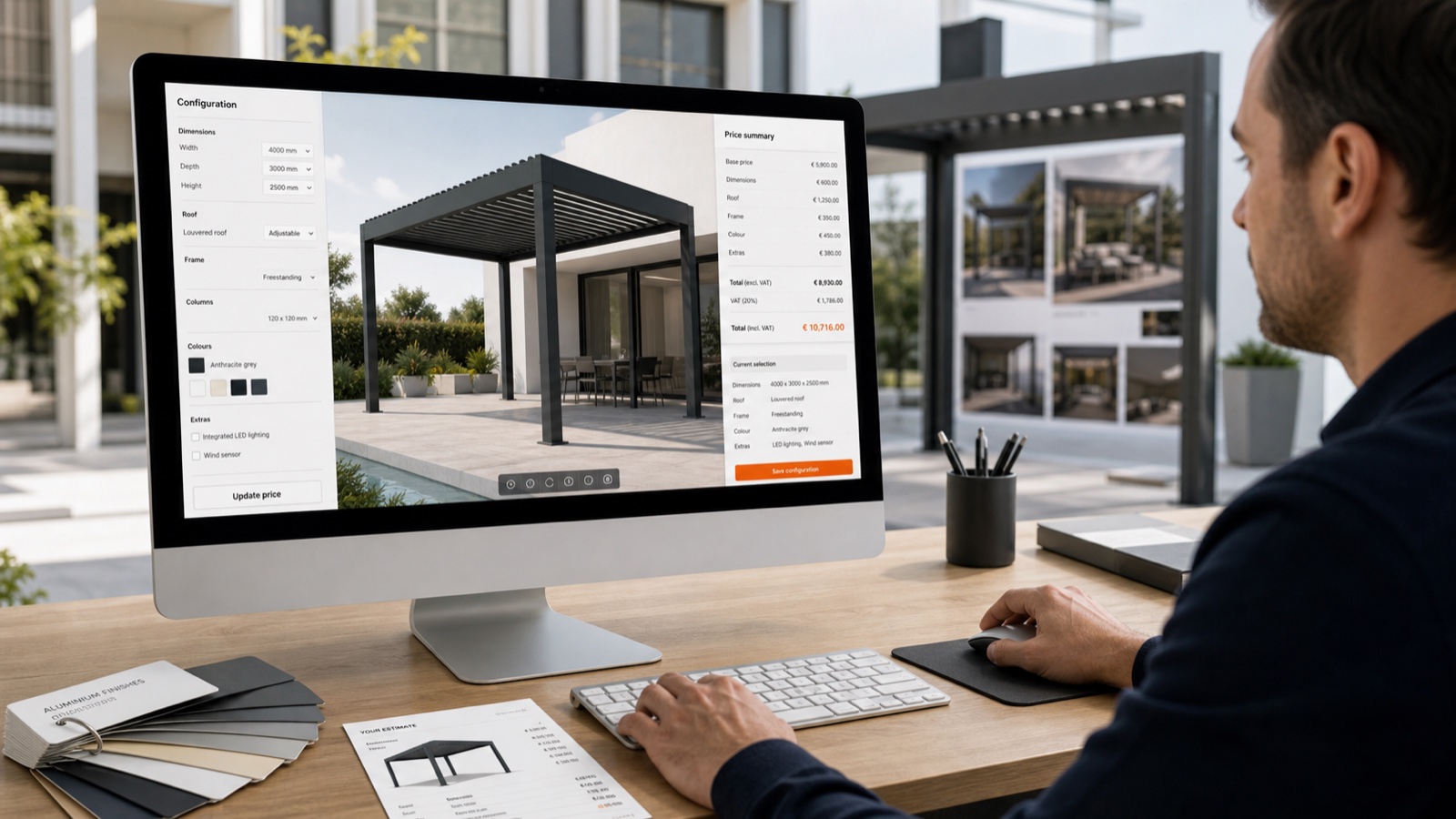
Table of contents
- Define the model before entering dimensions
- Worked measurement case
- Test the input rules
- Keep displayed and canonical dimensions separate
- Worked USD price
- Use effective dates and revisions
- Show feet and inches everywhere the project travels
- Distinguish catalogue accuracy from engineering approval
- Acceptance checklist
- How Configurix handles U.S. unit and currency requirements
- Frequently asked questions
- Can Configurix show feet and inches instead of decimal feet?
- Can different pergola models use different increments?
- Can dealer and retail prices both use USD?
- Are the example prices in this article Configurix prices?
A U.S. pergola configurator must do more than translate metric labels. Measurements affect geometry, product validity, component quantities, price bands, quote wording and installation planning. If one part of the workflow rounds differently from another, the customer can approve a pergola that is not the one the operations team receives.
This guide shows how to evaluate feet, inches and U.S. dollar behavior with one representative acceptance case.
Define the model before entering dimensions
Every test begins with an exact product identity from the supplier’s catalogue. The following labels are examples of the fields a customer should supply—not stock Configurix pergola models:
- product family ID;
- model ID;
- catalogue revision;
- wall-mounted or freestanding structure;
- single-bay or multi-bay layout;
- roof-system identifier;
- available market or dealer catalogue.
The identity matters because a 14-foot width may be valid for one frame series and invalid for another. It may require a different extrusion, post layout, louver zone or motor. A generic “louvered pergola” selection cannot enforce those distinctions.
Worked measurement case
Assume the accepted customer model allows a wall-mounted, single-bay structure with these requested dimensions:
- overall width: 14 ft 3 in;
- projection: 11 ft 6 in;
- front height: 8 ft 6 in;
- roof: motorized louvered;
- finish: approved anthracite group;
- side option: one ZIP screen;
- lighting: integrated LED kit.
The configurator should display those values exactly. If its geometry engine stores dimensions in inches, millimetres or another canonical unit, that implementation detail must not cause inconsistent customer outputs.
Test the input rules
Check the following:
- Can the user enter whole feet and remaining inches clearly?
- Does the control accept only the increments allowed by this model?
- What happens at 11 in when the user increases the value?
- What happens one increment above the maximum width?
- Are fractions supported when the catalogue requires them?
- Does changing the model revalidate the existing dimensions?
An invalid value should produce a useful response: block it, return to the nearest approved option under an explicit rule, or send the project to review. Silent rounding is not an acceptable default.
Keep displayed and canonical dimensions separate
A robust data model preserves both meaning and presentation.
For example:
{
  "quantity": "overall_width",
  "display": "14 ft 3 in",
  "canonical_value": 171,
  "canonical_unit": "in",
  "rule_set": "customer-approved-model-revision"
}
The quote may show 14 ft 3 in, while a downstream system receives 171 in or an approved converted value. The important point is that the unit travels with the number. A bare value such as 171 is unsafe when another system might interpret it as millimetres.
Worked USD price
Use a customer-approved price sheet for acceptance. The table below is illustrative only; it is not a Configurix tariff or a market estimate.
| Line | Illustrative amount |
|---|---|
| Base frame for the accepted model and size band | $6,950.00 |
| Motorized louvered roof | $2,600.00 |
| One ZIP screen | $1,150.00 |
| Integrated LED kit | $780.00 |
| Delivery zone | $350.00 |
| Standard installation package | $2,450.00 |
| Subtotal before tax | $14,280.00 |
The purpose of the demo is not to admire the total. It is to prove the calculation path.
Ask the presenter to increase the width by one accepted increment. Confirm which values change:
- frame price band or formula;
- roof quantity or module count;
- screen width band;
- installation labour;
- delivery or tax, if the approved rule depends on those values.
Everything else should remain stable.
Use effective dates and revisions
USD pricing changes. A saved project therefore needs context:
- price-list ID and revision;
- effective date;
- dealer or customer tier;
- promotion or discount rule;
- approver when a discount exceeds authority;
- currency;
- rounding method;
- quote revision.
When a price list changes, decide whether an existing quote keeps the original accepted price, recalculates on revision, or requires approval. The configurator should implement that commercial policy rather than choosing one silently.
Show feet and inches everywhere the project travels
The same accepted dimensions should be visible in:
- interactive 3D labels;
- configuration summary;
- customer quote;
- CRM or project record;
- survey checklist;
- order or production payload when included;
- installation pack.
If a document uses decimal feet while the interface uses feet and inches, define the conversion. For example, 11.5 ft and 11 ft 6 in represent the same length, but mixed formats can confuse customers and crews if the document does not explain them.
Distinguish catalogue accuracy from engineering approval
A configurator can enforce approved model widths, projections, options and commercial rules. That does not automatically establish site-specific structural suitability.
Wind, snow, exposure, foundations, attachment conditions, drainage, utilities, permits and site access can require separate inputs or professional review. A U.S. workflow should clearly label which results are:
- catalogue-valid;
- priced under the approved commercial rules;
- pending survey;
- pending structural or permit review;
- accepted for order or installation.
That boundary protects the customer experience without pretending that a browser measurement replaces site verification.
Acceptance checklist
Use this short script during a demonstration:
- Load one exact customer model and revision.
- Enter 14 ft 3 in × 11 ft 6 in.
- Select a model-specific roof, screen, finish and lighting kit.
- Trigger one invalid dimension and one incompatible option.
- Reopen the valid design and confirm the measurements.
- Match every USD line to the accepted price sheet.
- Change one dimension and trace the recalculation.
- Generate a quote with the same model, units, options and price revision.
- Inspect the project data passed to the next workflow step.
For the wider commercial workflow, use the U.S. pergola configurator demo checklist. For calculation architecture, see Configurix pricing-engine software and pergola quoting software.
How Configurix handles U.S. unit and currency requirements
Configurix can present a white-label pergola configurator in U.S. English, feet and inches, and USD. The implementation can connect those displays to the customer’s accepted model rules, price lists, quote formats and downstream fields.
The exact increments, conversions, rounding, prices and model ranges come from the approved project scope. Configurix does not substitute generic measurements or market prices for the customer’s catalogue.
Book a Configurix demo with one model drawing and one expected USD calculation to test the workflow concretely.
Frequently asked questions
Can Configurix show feet and inches instead of decimal feet?
Yes. The display can use feet and inches while preserving an unambiguous canonical value for rules and integrations.
Can different pergola models use different increments?
Yes. Each family or model can have its own minimums, maximums, increments, size bands and review triggers.
Can dealer and retail prices both use USD?
Yes. Separate price lists, permissions, discounts and quote views can use the same currency while protecting dealer or internal pricing.
Are the example prices in this article Configurix prices?
No. They are an illustrative acceptance dataset. A real implementation uses the prices and commercial rules approved by the customer.
Ready to try Configurix?
See how the configurator, quoting and CRM work together for your business.
Book a demo →Related articles
U.S. Sales Tax and Installation Pricing in a Pergola Configurator
Learn how a pergola configurator can separate product, delivery, installation and tax logic by address without hiding the assumptions behind one total.
What a U.S. Pergola Configurator Demo Must Prove
A practical acceptance checklist for a U.S. pergola configurator demo using your models, feet and inches, USD pricing, sales tax, installation costs and payment workflow.
From Configured Pergola to Stripe Deposit: A Testable Payment Workflow
Follow a configured pergola from accepted USD quote to Stripe test payment while preserving the model, revision, tax, deposit amount and project status.